Contents
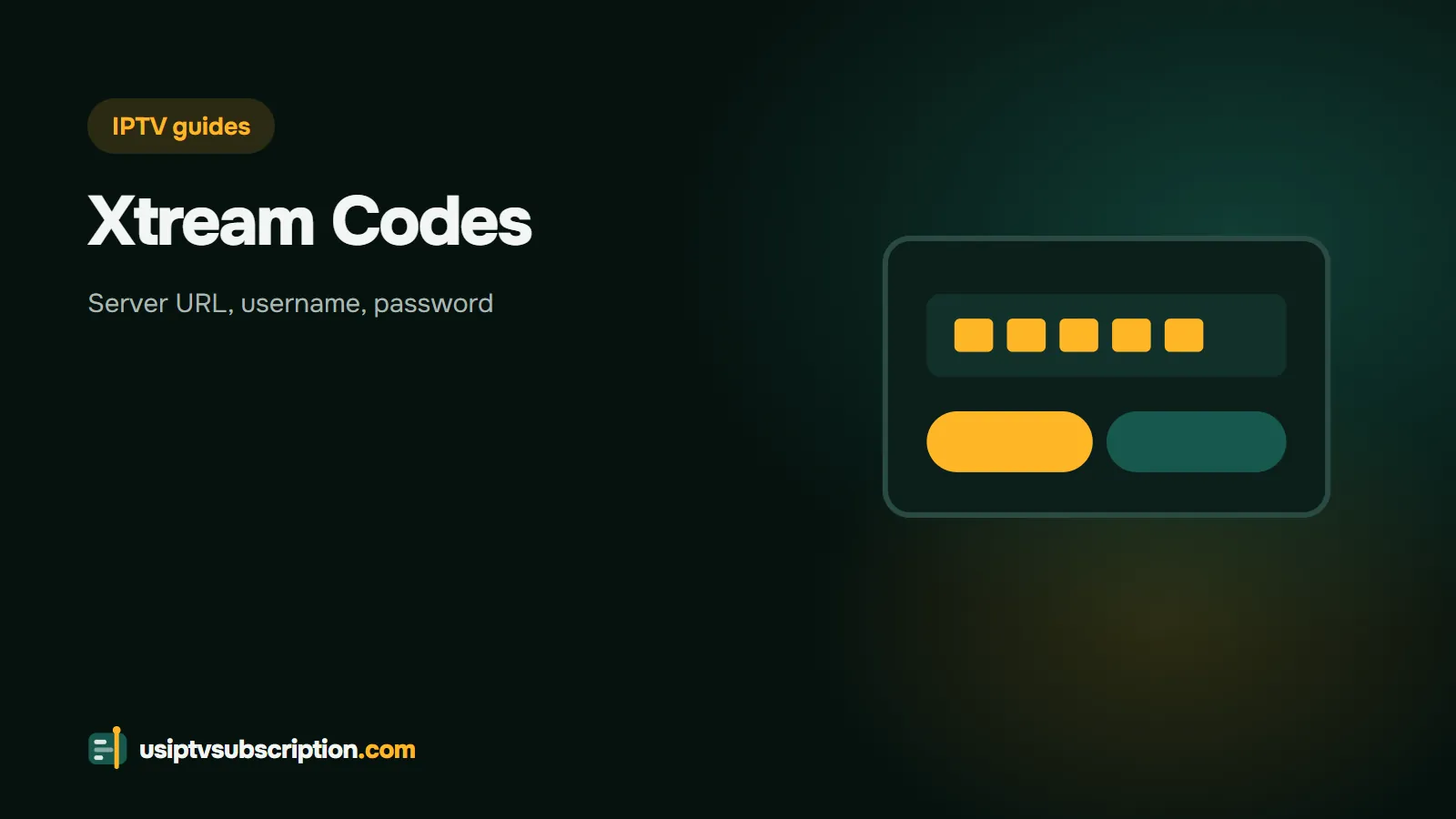
Xtream Codes is one of the main ways to log in to an IPTV player app, alongside an M3U link (and a MAC address on MAG boxes). Instead of one long playlist link, you get three details: a server URL, a username and a password. Here is Xtream Codes explained in plain words: what each detail does, where to find yours, how it compares with an M3U link and what to check when it doesn’t work.
What are IPTV Xtream codes?
IPTV Xtream codes are the login details that connect a player app to your account on a provider’s server. The name describes the format of the login, not a product you buy or install.
When you sign in with Xtream Codes, the app asks the server for everything in your plan. It then sorts it into sections:
- Live TV, by category.
- Movies and series, when your plan includes them.
- The TV guide, which shows what is on now and next.
Two points about Xtream Codes IPTV logins are often confused:
- It is not an app. You don’t download “Xtream Codes.” You download a player app that has an Xtream Codes option.
- It is not a free code. Each login belongs to one paid account. Codes posted online are usually someone else’s login.
If IPTV itself is new to you, our guide to what IPTV is explains how the streams reach your TV.
Xtream Codes
http://example.com:8080user123••••••••- Three detailsFrom your provider’s email
- Typed into a playerTiviMate, Hot Player…
- Everything loadsChannels, movies, series, TV guide
The three details: server URL, username and password
Every Xtream Codes login has the same three fields. Here is what each one means:
The server URL is the address of your provider’s server; the username and password are the keys to your own account on it.
| Field | What it is | Example format |
|---|---|---|
| Server URL | The address of your provider’s server | http://example.com:8080 |
| Username | The name of your account on that server | Set by your provider |
| Password | The key to that account | Set by your provider |
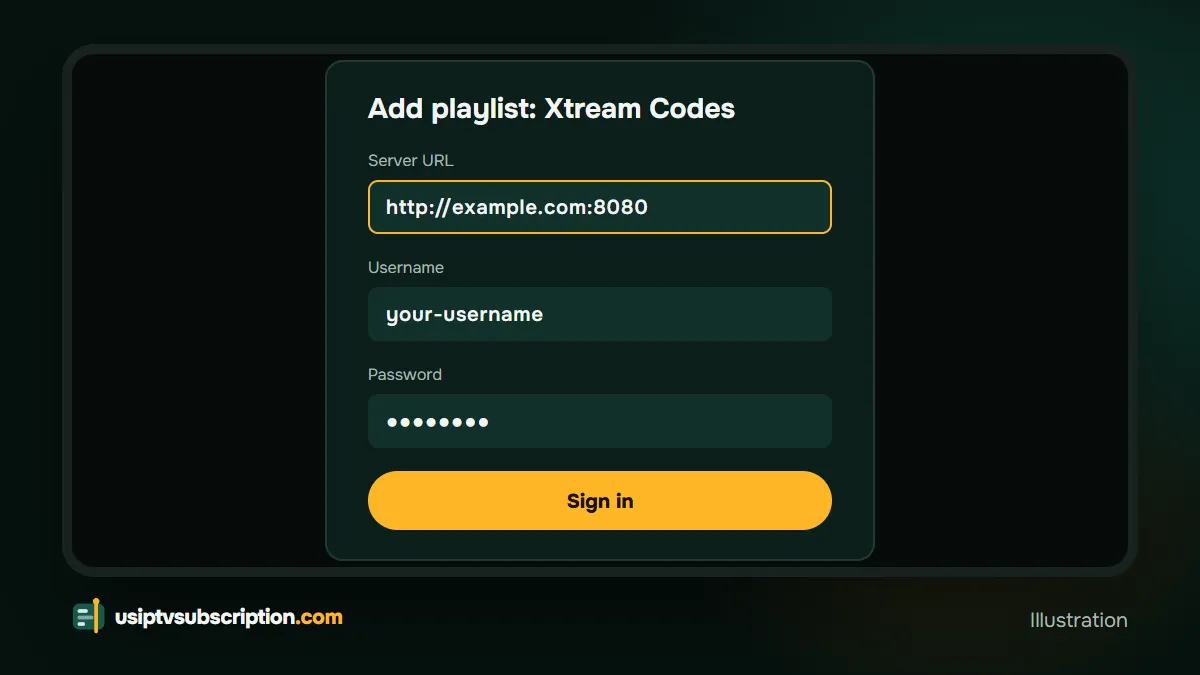
These typing rules avoid common login errors:
- Copy the server URL exactly. Keep the http:// or https:// at the start and any number after a colon, such as :8080.
- Don’t add anything at the end. No extra slash or page name unless your provider wrote one.
- Check each letter. Typing with a TV remote makes it easy to swap a similar letter or number, such as O and 0.
With us, the three details arrive in the Account active email, in the block for apps. The same block also has your M3U link.
How to add an Xtream IPTV playlist to your player
In most apps, you add an Xtream IPTV playlist by choosing the Xtream Codes option and entering the three details. Here are the steps in two of the players we recommend.
TiviMate
- Open TiviMate and choose Add playlist.
- Pick Xtream Codes.
- Type the server URL, username and password from your email.
- Name the playlist and confirm. The channels and the TV guide load.
TiviMate’s Google Play listing names Xtream Codes, M3U and Stalker Portal among the playlist types it supports. Our page on Xtream Codes in TiviMate goes through each screen, and the TiviMate guide covers the app itself.
Hot Player
- Open Settings or Info in the app.
- Scan the QR code with your phone.
- On the page that opens, choose Xtream Codes and fill in the three fields.
You can also fill in the details from any browser at hotplayer.app/upload, with the MAC address shown in the app. Hot Player is paid once, with a 30-day free trial on each new installation, and VIP plans include its license activation. It also runs on Roku, Samsung and LG TVs; our Hot Player guide lists its devices.
Other players
Some players take an M3U link instead. For IBO Player Pro, we provide the M3U link from the same email: you add it on iboplayer.com with the MAC address and Device Key the app shows. Our M3U playlist guide shows those steps.
For your exact device, our IPTV setup guide gives the full path from installing the app to the first channel.
What is better, M3U or Xtream code?
Xtream Codes is usually the better choice when your app offers it. Both give access to the same channels, but the login is easier to type and keeps the guide in the app.
| Xtream Codes | M3U link | |
|---|---|---|
| What you type | Three short fields | One long web address |
| With a TV remote | Less to type | More to type |
| TV guide | Loads in the app with our service | Ask support for the EPG link |
| Supported by | Apps with an Xtream Codes option | Most player apps, including TiviMate, Hot Player and IBO Player Pro |
| Best for | TiviMate, Hot Player | Apps without Xtream Codes |
Pick the M3U link when your player has no Xtream Codes option. Our EPG guide explains where the TV guide data comes from in both cases.
Do you need to convert Xtream Codes to M3U?
No, not with our service. The Account active email gives you both formats for the same account: the M3U link and the three Xtream Codes details.
If another provider sent you only Xtream Codes, ask them for the M3U link of your account. Avoid websites that ask you to paste your login to build a link for you: they receive your username and password.
What if your provider won’t give you the server URL?
Some subscribers only get access through a provider’s own app, without the server details. Threads on r/TiviMate show this question keeps coming up (Nov 2025, Jan 2026 and Sept 2026), for example “Is there a way to get the xtream URL, my provider refused to give it to me” (Sept 29, 2026).
The server URL belongs to the provider, so only the provider can give it to you and confirm which server your account is on. If your provider won’t share it, you can:
- ask whether an M3U link is available instead;
- use the app they support for as long as your plan runs;
- choose a provider that sends the full login.
We send all three details, plus the M3U link, so you can use the player you prefer.
Xtream Codes not working? Check these first
When a login fails, check these causes in this order:
- A typing error. Retype the server URL, username and password one character at a time.
- The wrong field. The username and password must not be swapped, and the server URL goes in its own field.
- An expired plan. The Account active email shows your end date. After it, the login stops working until you renew.
- Too many screens. Your plan sets how many devices can watch at the same time. A plan with one screen can be installed on three devices, but only one can play at once.
- An empty TV guide. If channels play but the guide is blank, refresh the guide in the app settings. If it stays blank, email our support.
For other problems, our page on IPTV not working lists more fixes, and our support team answers by email.
What about free Xtream codes?
Search results for “Xtream codes” include pages and PDFs that promise free logins. On Nov 12, 2026, two of the top five results did.
These logins come from unknown sources. They usually belong to someone else’s account, can stop at any moment and may carry channels without the rights to show them. A paid login, by contrast, comes with a provider you can contact and a clear end date.
To test a real login first, our free IPTV trial gives you 24 hours on one screen. Each person can use one trial.
Xtream Codes on our IPTV service
Our Xtream IPTV service uses the same login format on the free trial and on every plan:
- Trial: 24 hours on one screen, with Xtream Codes, an M3U link or a MAG box.
- Screens: choose 1 to 5 screens, the number of devices that watch at the same time.
- Renewal: the time you buy is added to your current end date. Your username and password stay the same, so you don’t retype anything. Our IPTV cost guide explains renewal and payment.
- MAG boxes: they don’t use Xtream Codes. A MAC portal is the login these boxes use instead: the box’s MAC address plus a portal URL.
When the trial works on your TV, choose a plan below. If the service doesn’t work and you tell us within 48 hours of purchase, we refund you.
Facts checked on by Evans George Franklin. Sources: TiviMate on Google Play (supported playlist types), hotplayer.app FAQ (QR code, upload page, M3U or Xtream Codes, one-time payment, 30-day trial), Google search results of Nov 12, 2026 (US), r/TiviMate.
Xtream Codes questions
Does TiviMate use Xtream codes?
Yes. TiviMate’s Google Play listing names Xtream Codes among the playlist types it supports, with M3U and Stalker Portal. Choose Add playlist, pick Xtream Codes and type your three details. Our guide to Xtream Codes in TiviMate covers each screen.
Which IPTV player uses the best Xtream codes?
Xtream Codes details work the same in every player that supports them, so the choice is about your device. TiviMate suits Android TV and Fire OS sticks, and Hot Player runs on Roku, Samsung and LG TVs. Both accept Xtream Codes.
What is the passcode for IPTV?
There is no general passcode. Your provider creates a username and password for your account and sends them with the server URL. With us, they arrive in the Account active email.
What is the latest version of Xtream-Codes IPTV APK?
There isn’t one to look for. Xtream Codes is a type of login, not an app. Install a player app from its official store or website, such as TiviMate or Hot Player, then choose its Xtream Codes option. Avoid APK files offered under the Xtream Codes name.
Where can I find IPTV codes?
Your IPTV codes come from the provider you subscribe to, usually by email after you order or start a trial. Codes posted on websites, PDFs or forums usually belong to someone else’s account and can stop working at any time.
Compare the two plans
3 months, 1 screen. Nothing renews automatically.
- Card, Apple Pay, Google Pay or crypto
- Refund if it doesn’t work (email us within 48 hours)
- Login by email in under 5 minutes

Evans George Franklin is the founder of usiptvsubscription.com.
With our editorial team, he checks every guide against official sources before it goes live.